
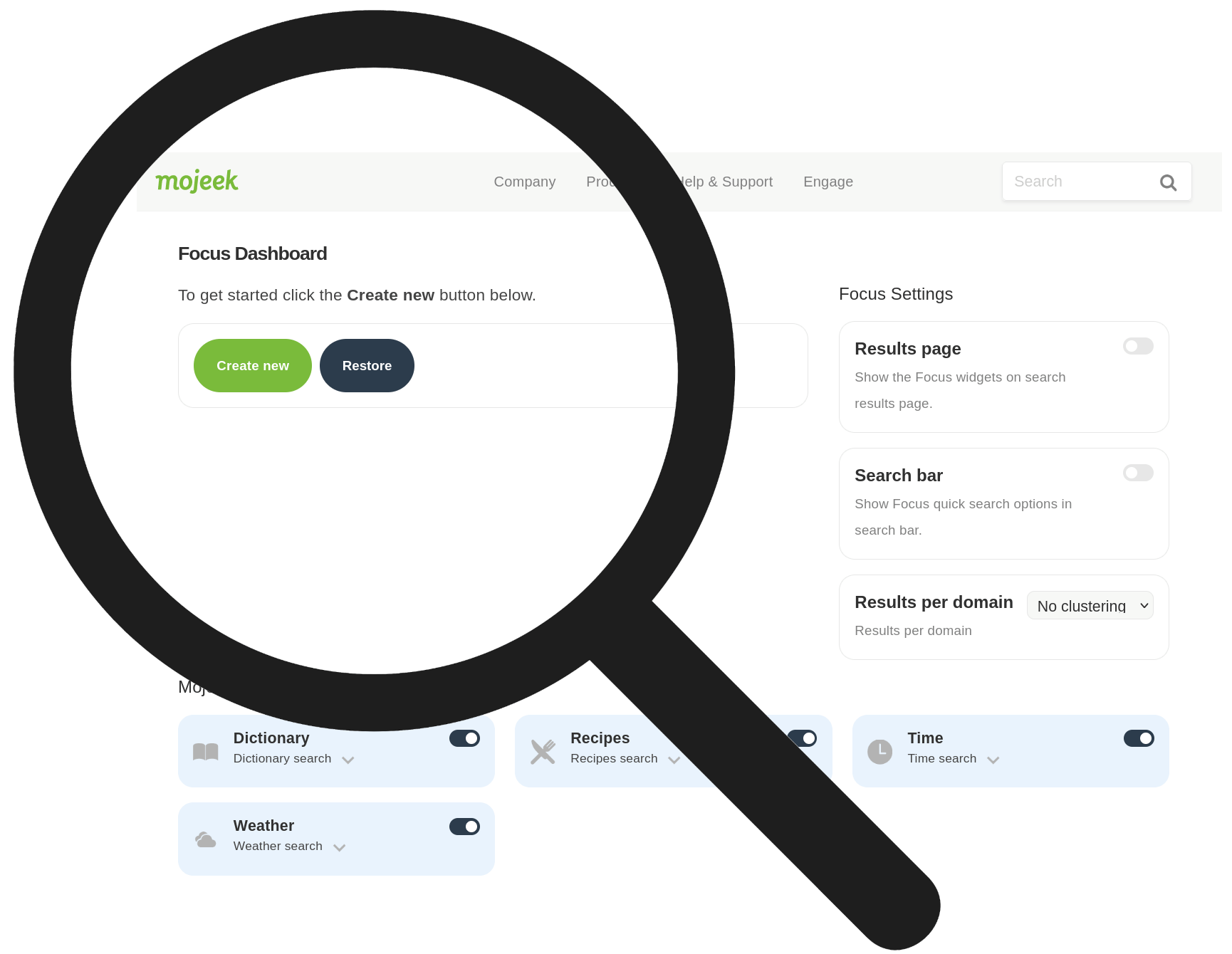
The control panel's main page contains details about your personal search account, including your engine's name/id, home page url, number of sites listed in your engine, number of sites excluded from the normal search results, whether your engine is publicly available or not and more.
Control Panel - Main Page
| Personal search id This is the name of your personal search and the unique identifier used when your personal search is used. |
Home page This is the URL of your personal search home page. See Home Page Description for more details. |
||
| Search URL This is the full URL minus the search query required to retrieve your personal search results, this would be used if you are retrieving results from an external source for use directly on your site, when using the xml feed for example. |
Personal search The number of sites listed in your search engine. See Edit Listed Sites for further details. |
||
| Excluded sites The number of sites you have excluded from the standard Mojeek search results. See Edit Excluded Sites for further details. |
Publicly available Here you can set whether your engine can only be used by you whilst logged in or by anybody. |
||
| Firefox Search Plugin If you use the Firefox web browser, click here to add your personal engine to Firefox's built-in search bar. |
Featured permission Here you can tell us whether we are allowed to feature your personal search on Mojeek and/or related websites or not. |
Next: Home Page Description